Duplicate an Audience Group
When creating multiple Audience Groups with similar-but-slightly-different criteria, use this handy shortcut to save time and effort.
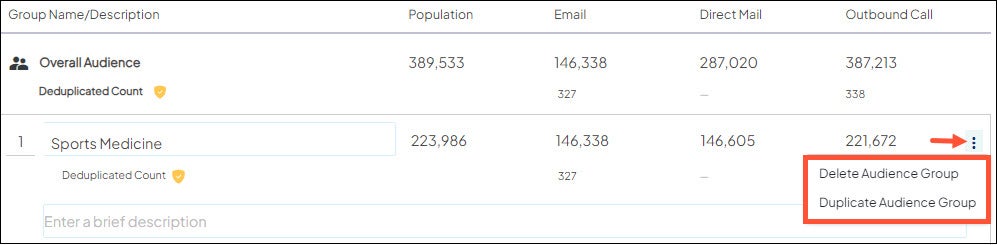
- Next to the first Audience Group, click the icon
 to the right
 - Select Duplicate Audience Group.
- Repeat this step for as many duplicates as needed.
Your new, duplicate Audience Group(s) appear directly below the original.