Navigate your platform
Main navigation menu
After logging in, the main navigation options are at the top left of the screen. Each tab corresponds to a different section of the platform. These sections are organized in the natural order of the recommended workflow, from left to right.

Profile menu
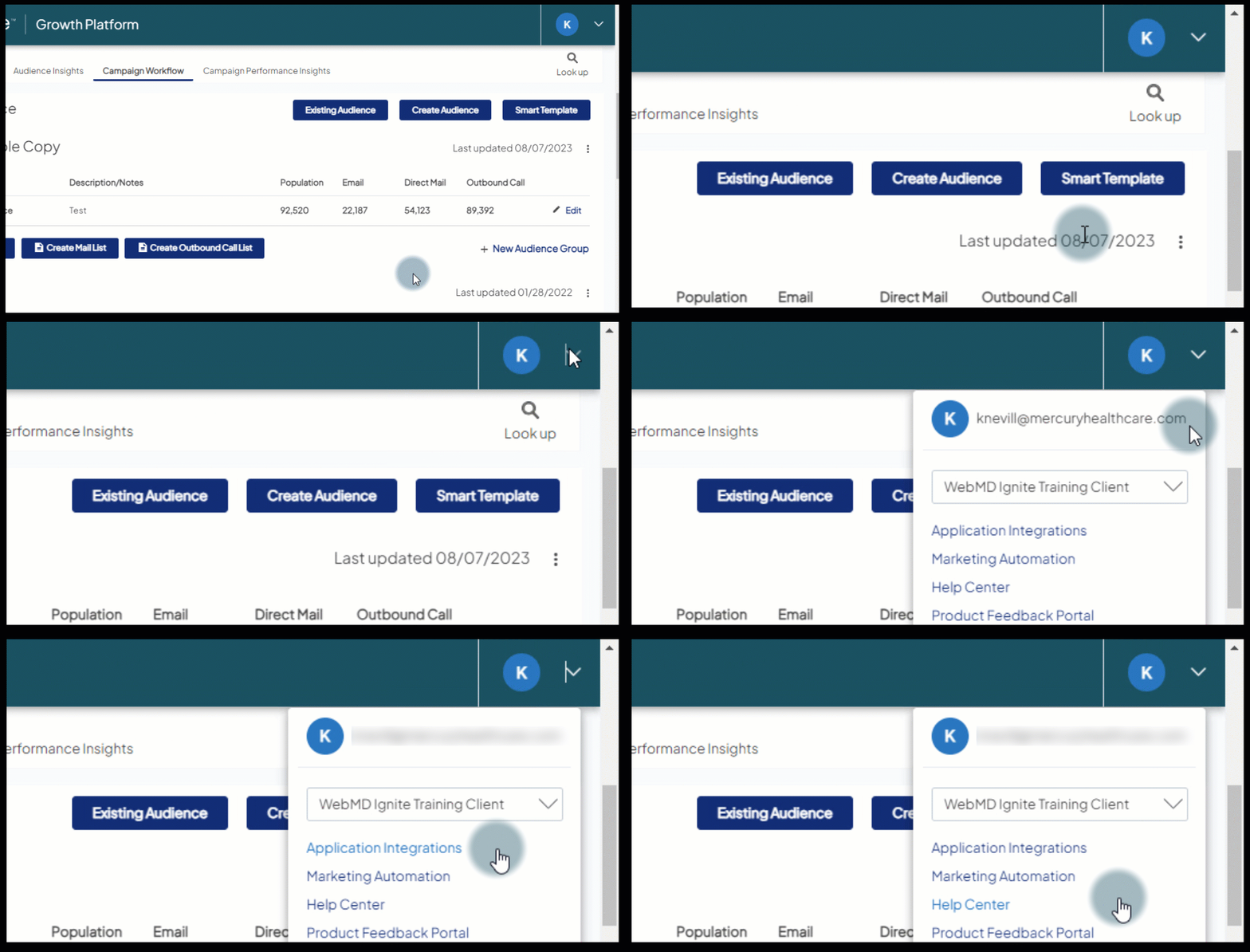
In the top right, you’ll see a round icon with a letter (typically that of your first name) representing your profile. Click the dropdown to access other resources in the Ignite Growth Platform and a Log Out option.
Help Bot
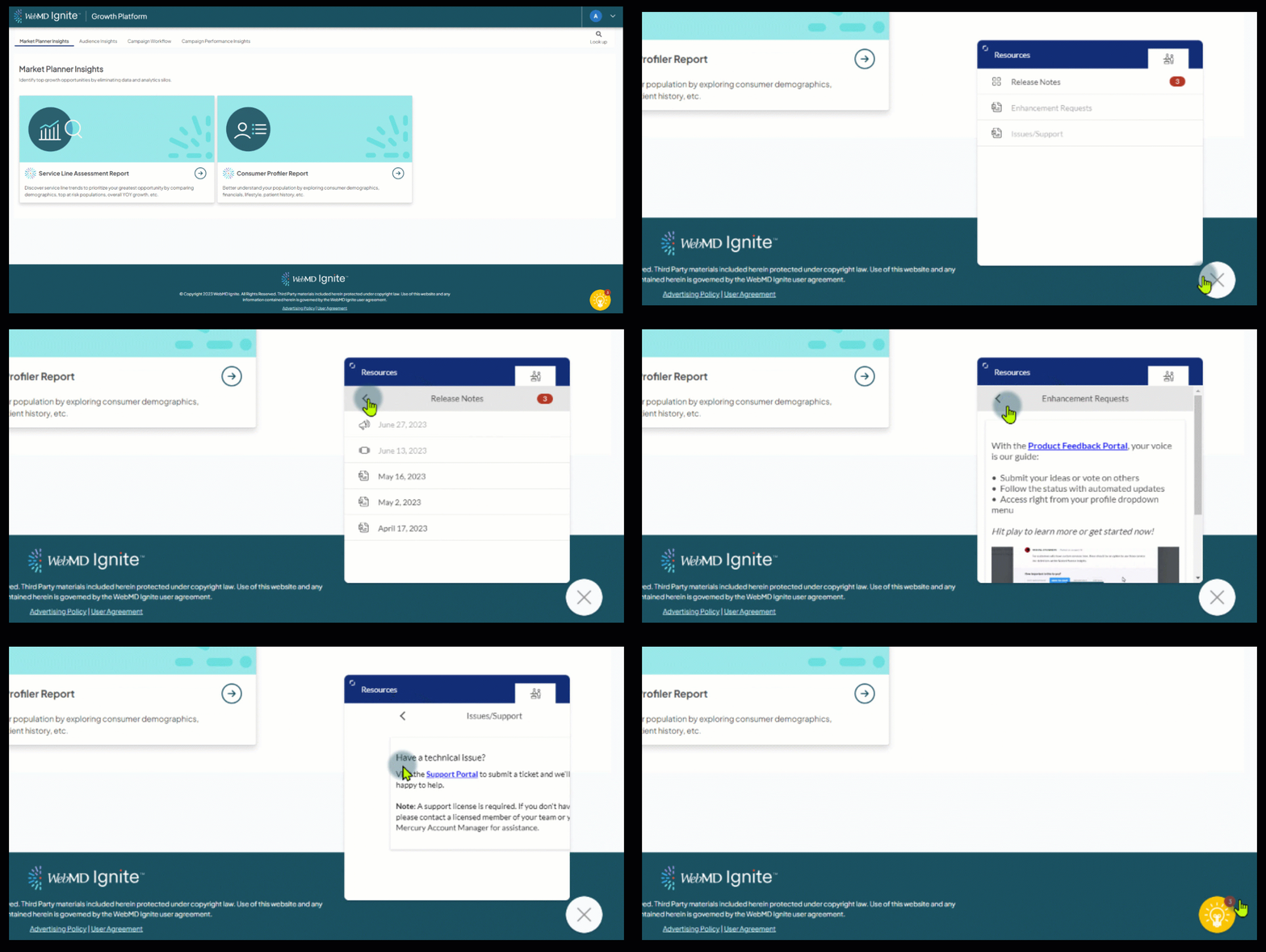
Wherever you are in the platform, you'll find the yellow icon in the bottom right of your screen. Pop the Bot open for the latest release notes, important announcements, and other helpful resources.