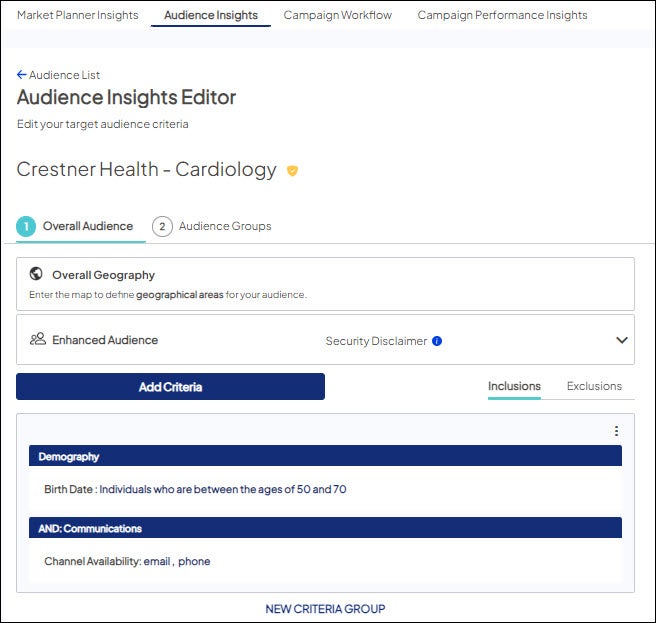
Edit an existing audience
There are two ways to access existing audiences - via Campaign Workflow or Audience Insights:
Via Campaign Workflow
- If you know the name of the campaign to which the audience is attached, go to Campaign Workflow > All Campaigns to search for the campaign.
- Choose the campaign by clicking on the Campaign Name.

- Scroll down to find the audience you want to edit and choose Edit.
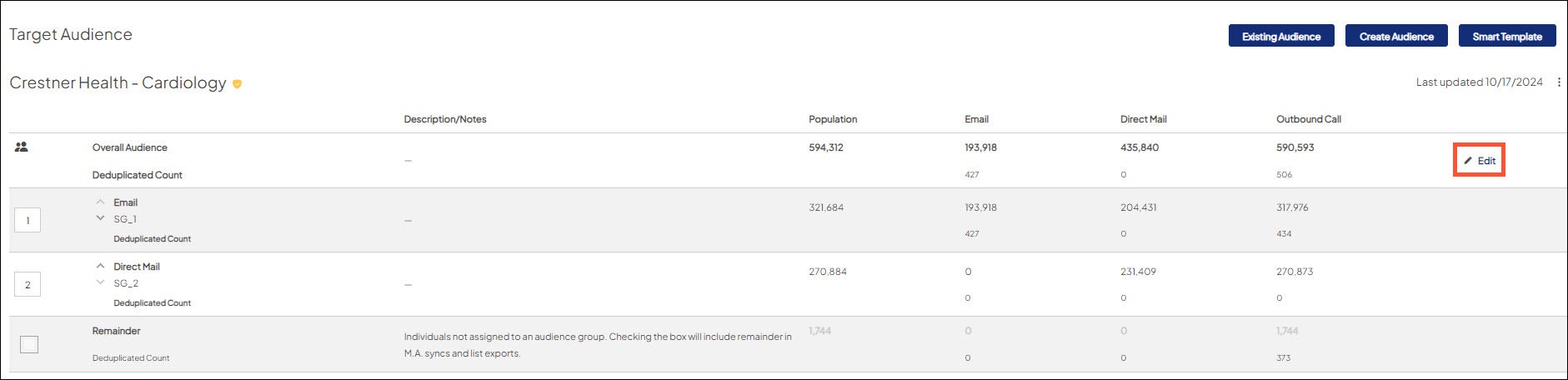
- The audience opens in the audience editor for editing.
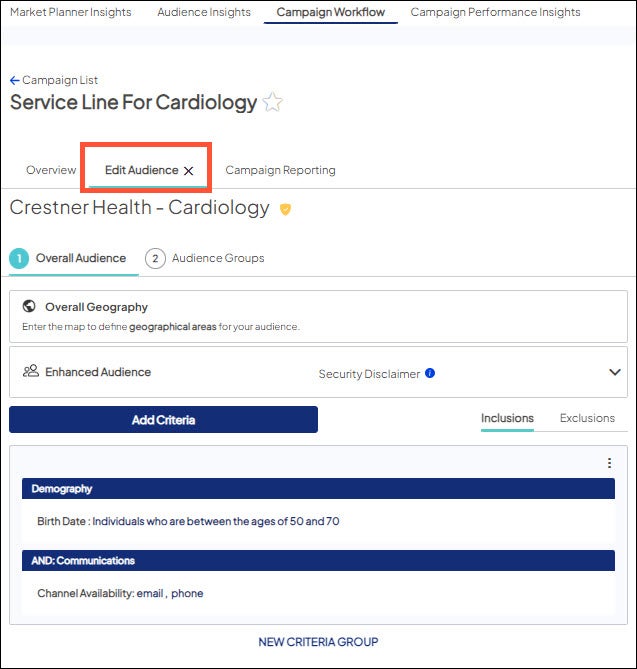
Via Audience Insights
- If you don’t know the campaign name or the audience is not yet attached to a campaign, go to Audience Insights.
- Use the search field to find the audience
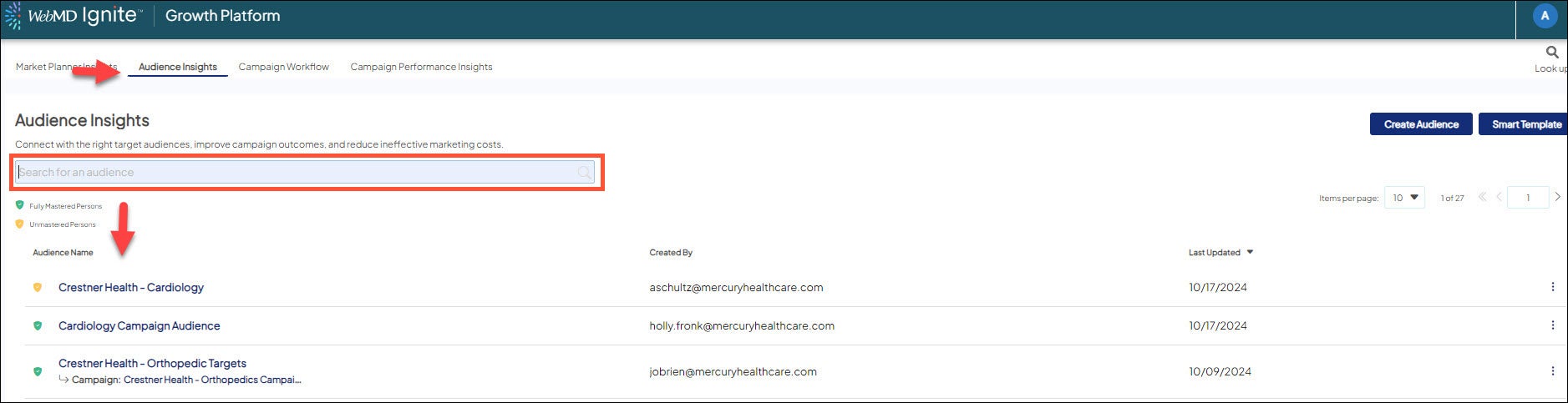
- Select your desired audience and click on the name.
- Continue editing the audience when the Audience Editor displays.