Detach an audience from a campaign
You cannot detach a target audience from the campaign if you've already created a direct mail list for that audience or sent it to marketing automation.
- Go to Campaign Workflow.
- On either My Campaigns/All Campaigns, click the name of the campaign with the target audience you want to detach. The selected campaign opens.
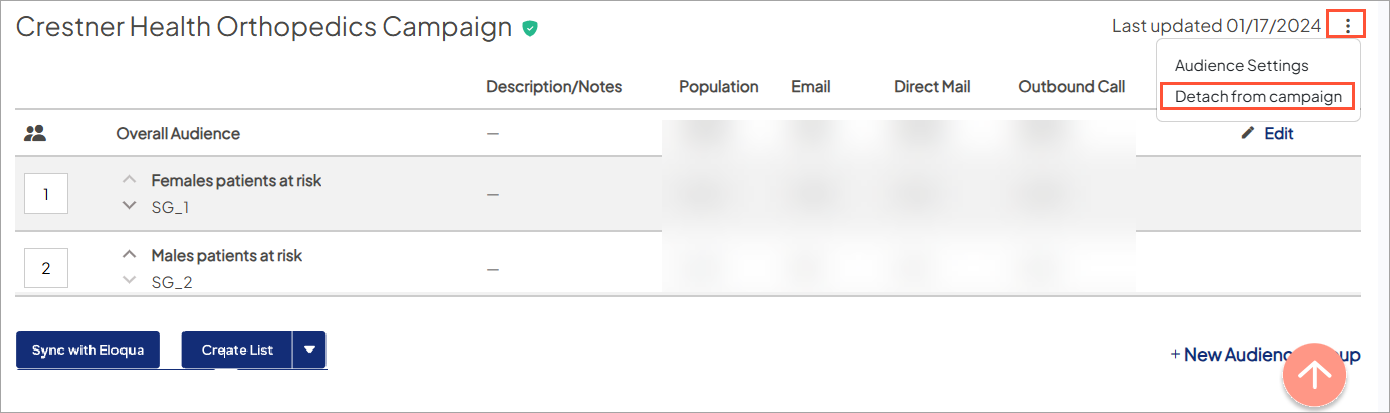
- On the Overview tab, choose Target Audience to scroll to that section. Click the overflow menu icon for the audience you want to detach and select Detach from campaign.