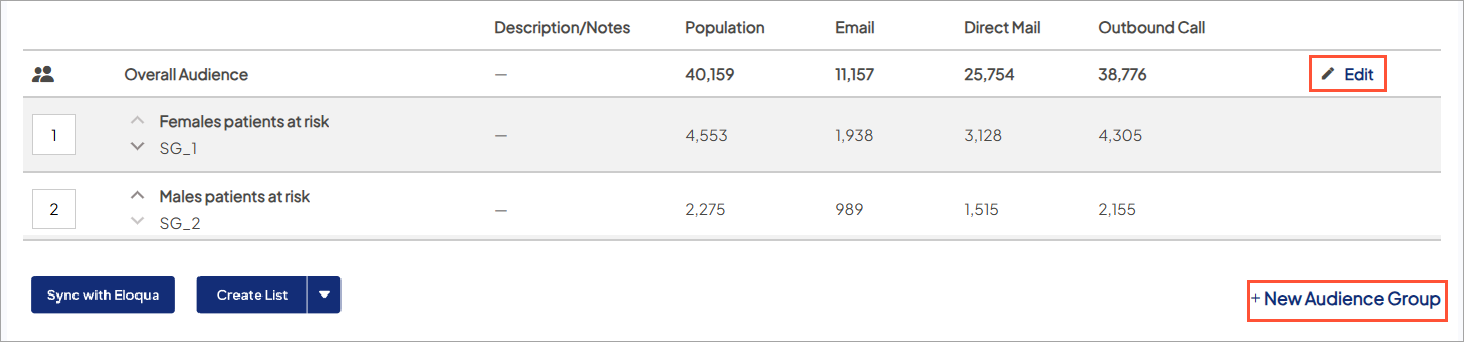
Edit your Overall Audience or Audience Groups
You can open the audience editor for a target audience attached to that campaign.
- Go to Campaign Workflow.
- On either My Campaigns/All Campaigns, click the campaign name to open the campaign.
- On the Overview tab, choose Target Audience to scroll to that section.
- For the target audience you want to edit:
- Choose Edit to go directly to the Overall Audience tab in the audience editor.
- Choose New Audience Group to go directly to the Audience Groups tab in the audience editor.