Remove a trackable URL
If a URL was generated in preparation for your campaign, but then one of the values needs to be changed, you can simply clear all values from the parameters and any generated URLs.
- Go to Campaign Workflow.
- On either My Campaigns/All Campaigns, the campaign name to open the campaign.
- On the Overview tab, choose Tactics & Tracking to scroll to that section.
- Choose Edit for the tactic you want to edit. The tactic editor opens.
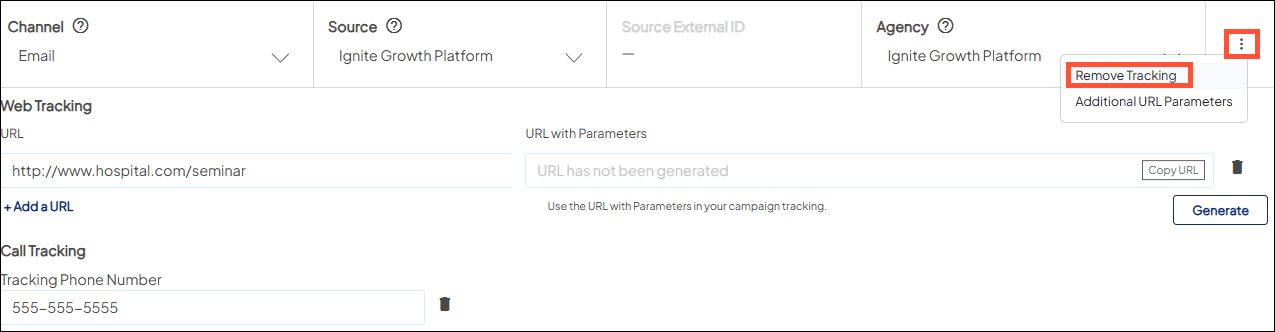
- Choose the overflow menu icon and select Remove Tracking for the tactic.