Delete an audience
You can delete an audience only when the following are both true:
- You are the owner of the audience.
- The audience is not attached to a campaign. Learn how to detach an audience.
You can't recover a deleted audience, so make this decision carefully.
- Go to Audience Insights.
- Use the Search field to find the audience you want to delete.
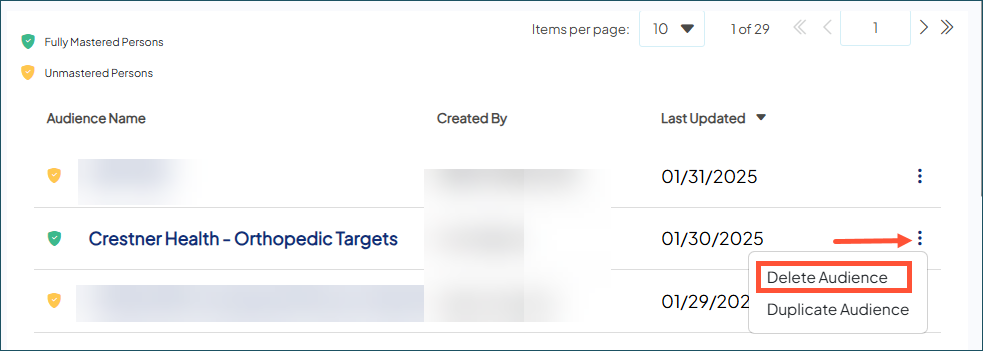
- Hover over the audience. Click the overflow menu icon and choose Delete Audience.
- When prompted, choose Yes to delete the audience.