Create a campaign
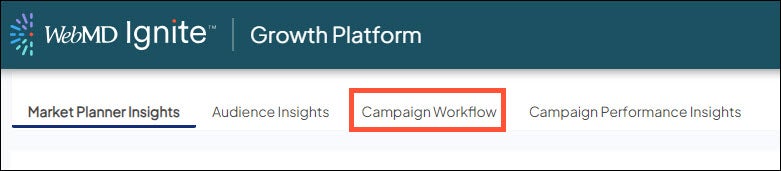
- Go to Campaign Workflow.
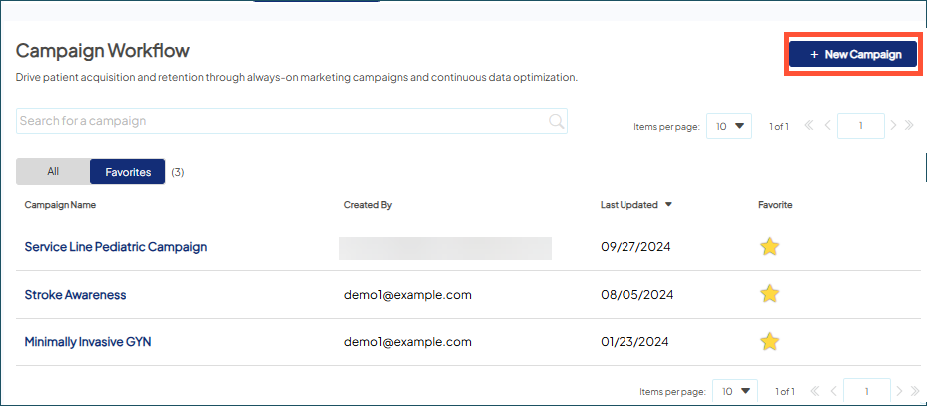
- Choose New Campaign.
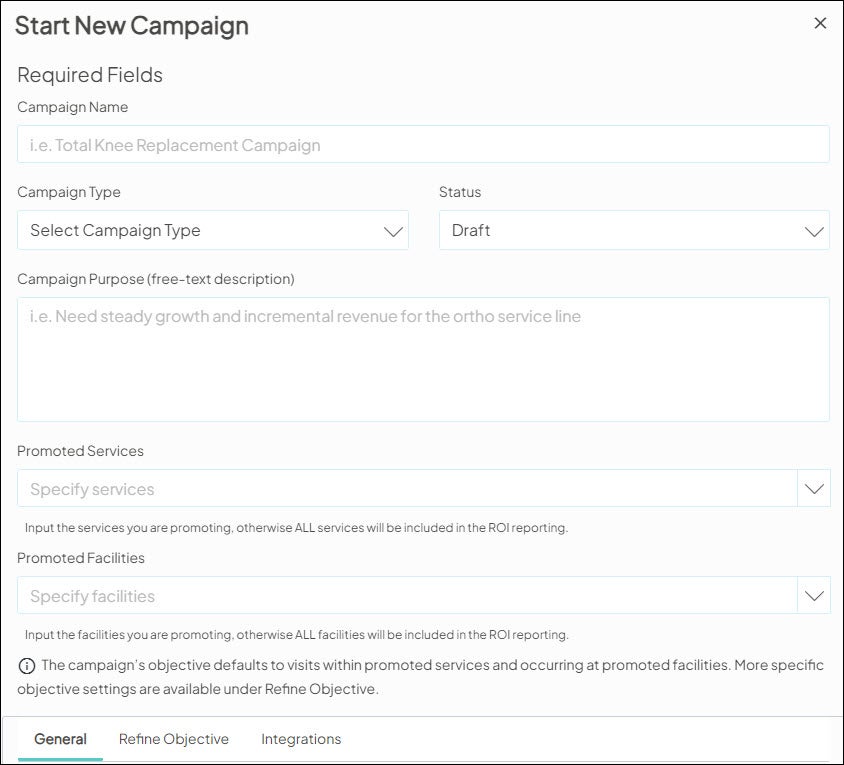
- When prompted, specify the required campaign settings and, if desired, other optional settings. You can update these settings at a later time.
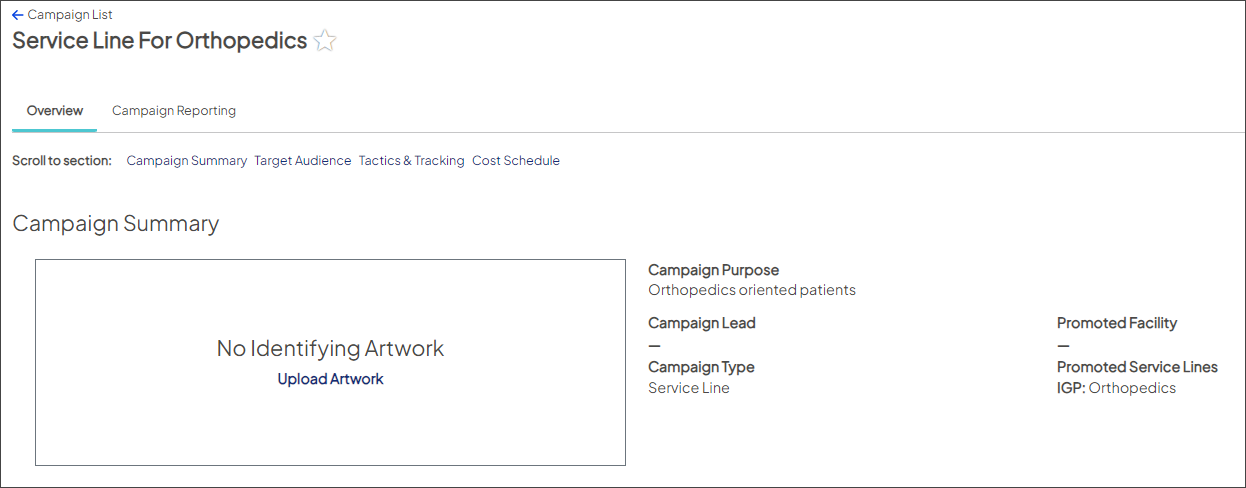
- Choose Save. The new campaign opens.
We are moving to Statuspage for all solution incident and maintenance updates. To ensure you receive critical alerts, subscribe and update notification preferences here to select the solution(s) that matter most to you. You may have already received a subscription notification email - simply click to verify your email address to stay in the loop!
© 2026 WebMD Ignite | Privacy Policy | Cookie Policy | Do not Sell or Share My Personal Information

