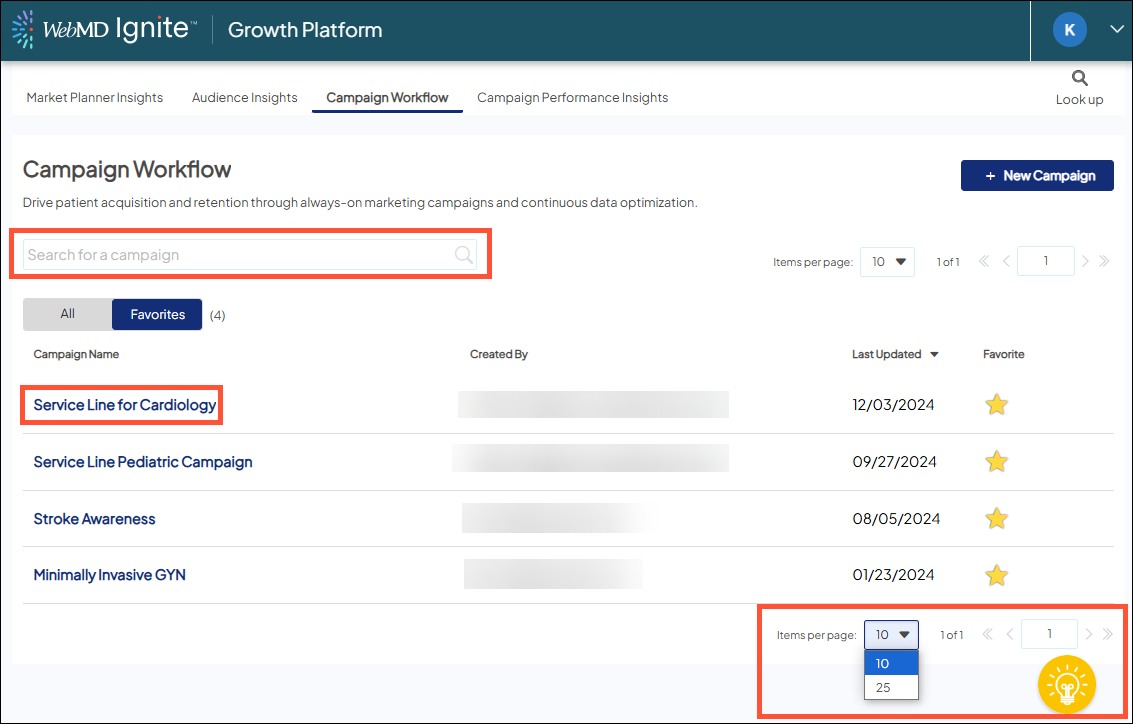
Find a campaign
In Campaign Workflow, you can quickly find a campaign in 2 list views:
- Favorites (default): Lists only the campaigns you’ve created or manually favorited. It is a subset of the campaigns listed on the 'All' tab.
All: Lists campaigns created by you and/or other Ignite Growth Platform users in your health system. This includes any added as Favorites.
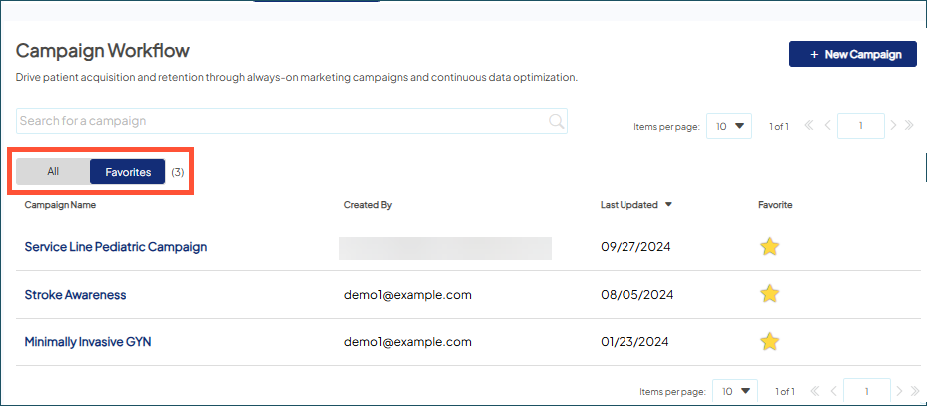
 Any new campaigns you create are automatically added as favorites to both lists. Click the yellow star to remove it from the Favorites list.
List view functionality
- Click a campaign name to open it.
- Search for a campaign by keyword(s).
- By default, campaigns are sorted by Last Updated, most recent first. Click the column headers to sort by Campaign Name or Created By.
- By default, up to 10 items are displayed per page. Use the dropdown to change to 25 items.
- To jump to different pages in the list view, use the forward and back arrows or type a page number in the editable field and click Enter.