Add campaign favorites
Any new campaigns you create are automatically added to the Favorites, and you can manually select additional campaigns to Favorites created by other users in your health system.
Add your favorites
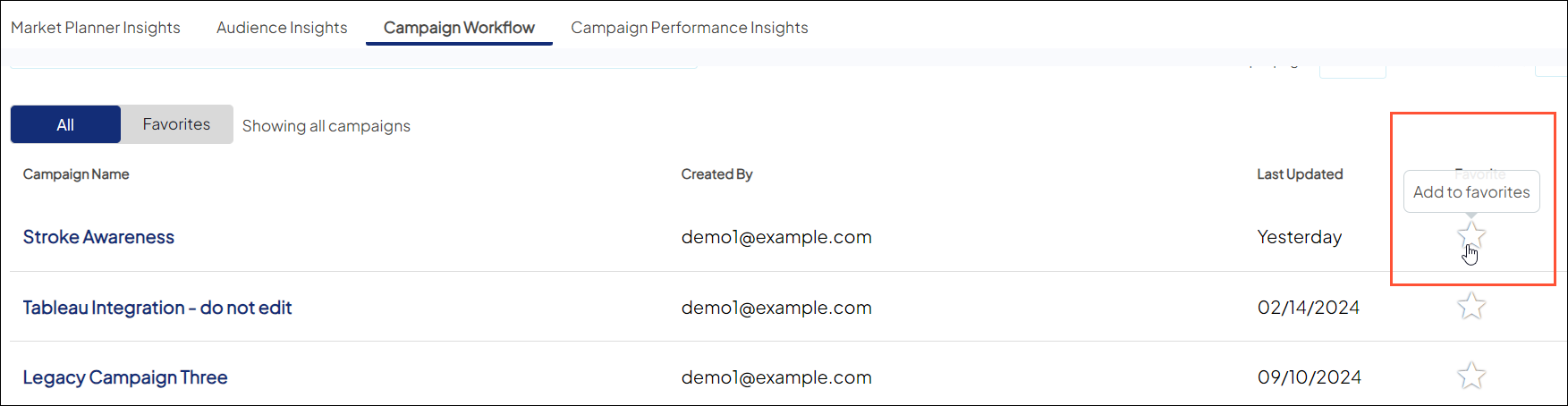
- All Campaigns list view: Click the white star in the Favorite column for your campaign(s) of choice.
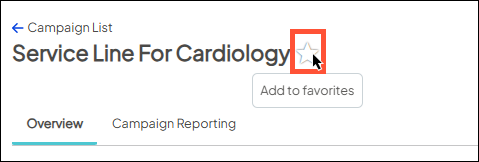
- Within a campaign: Click the white star next to the campaign name.
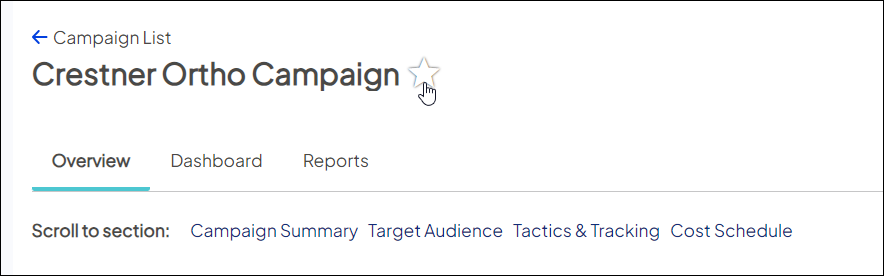
After clicking it, the star will turn yellow to confirm your selection.
View your favorites
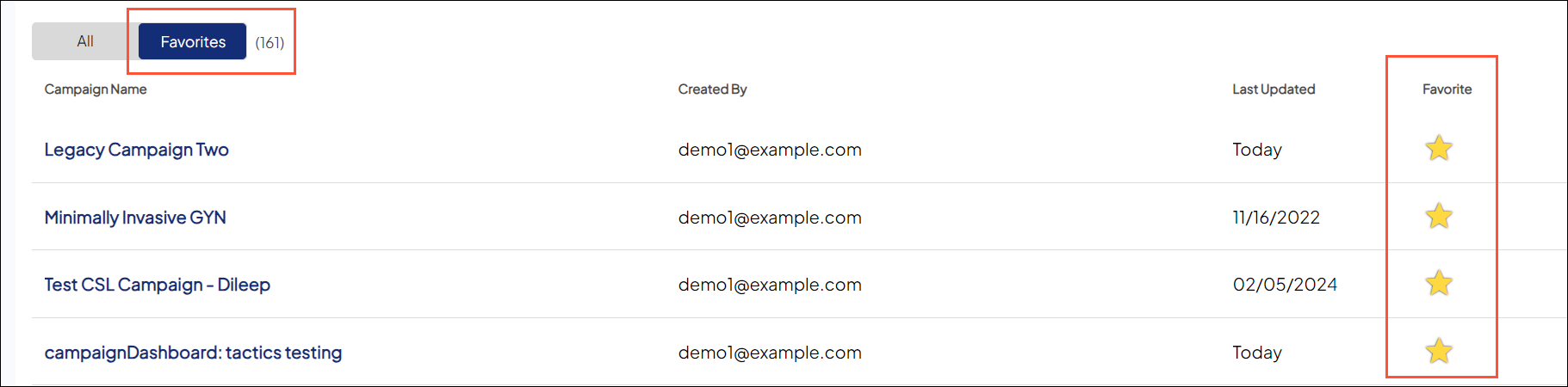
- Favorites list view: This section shows only your favorites.
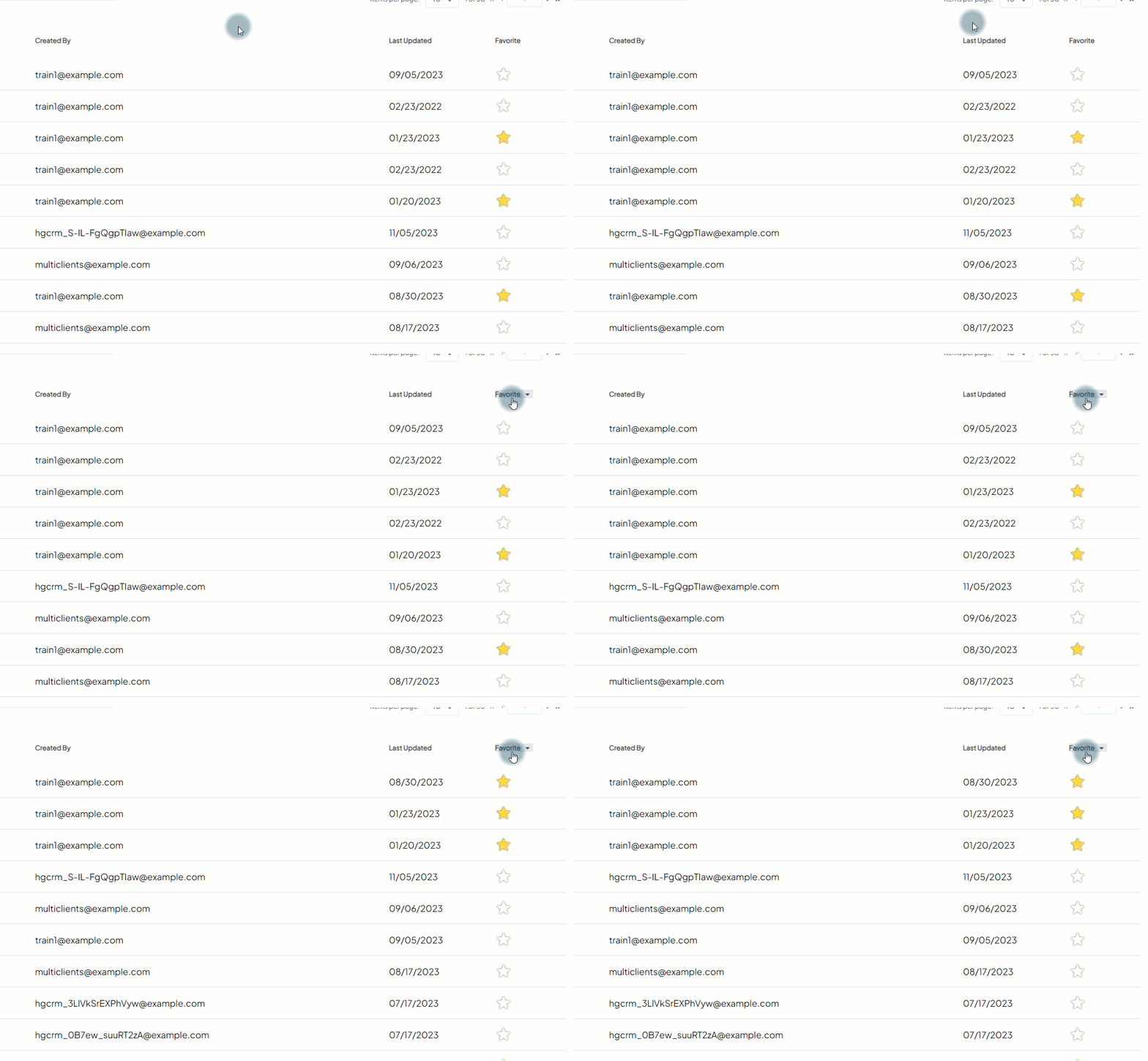
- All Campaigns list view: Click the Favorite column heading, which will sort them all together at the top (in order by Last Updated).
- Within a campaign: Click the white star next to the campaign name.

Your campaign Favorites are only visible to you, not other users in your organization. However, they will see the full list under the "All" tab since Favorites is a subset of All.
Remove your favorites
To remove a favorite, click the yellow star, it will revert back to white, and be removed from the list.

