How to create an Email with Eloqua Email Designer
Emails are an incredibly important part of your marketing strategy. With the Eloqua email designer, you have an easy to use solution for creating those emails without using any HTML code. Learn more about email design in Oracle's Help Center here.
To get started:
- Go to Assets, then click Emails.
- Click Create.
- Name the email, you can complete the email settings later. Click Continue.
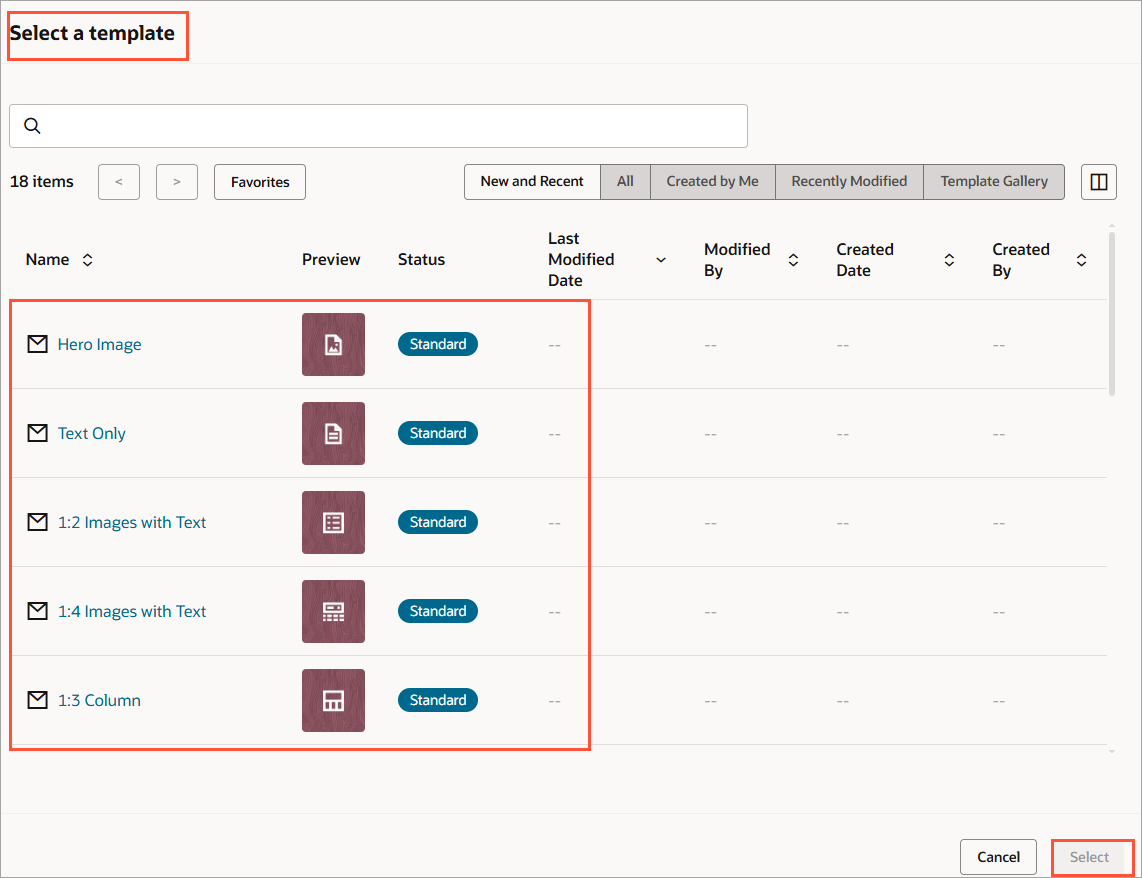
- Choose a template or layout for the email.
- Create your email by dragging and dropping content and layouts.
Be sure that you are using the tracking links from your campaign in Ignite Growth Platform for any links in your email.

- Click Mobile in the menu bar to switch to a mobile view and preview what your email will look like in mobile. While in Full view, you have the option to hide certain components of your email in mobile. While in Mobile view, you have the option to hide components in desktop.
- As you make changes, you can undo or redo your changes using the toolbar or standard keyboard shortcuts.
- Click Save to save your work as you build your email.
Once you have created your email, you are ready for testing. Read more about email testing.
To save some time for the next email build, you can create email templates once your layouts are in place. Go to the Oracle Help Center to learn more.

