Eloqua Email Designer- Reference
Emails are an incredibly important part of your marketing strategy. With the Eloqua email designer, you have an easy-to-use solution for creating those emails without using any HTML code. Learn more by searching the Oracle Help center for creating emails with the design editor.
Components
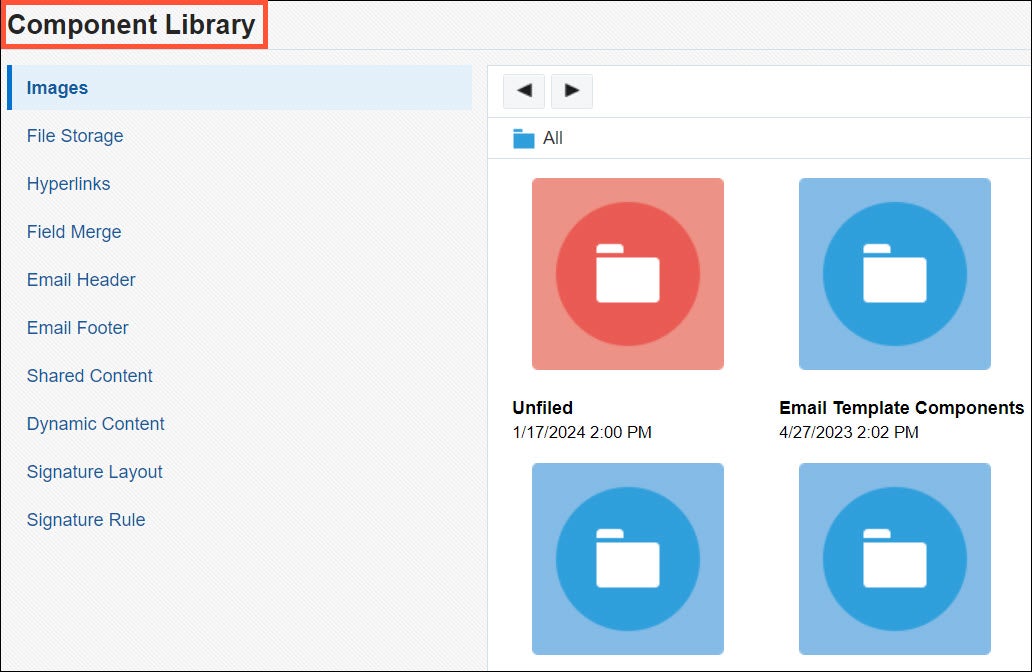
In the Component Library you will find several components to complete your email. Here you can preload images, add shared content and more. Completing the pre-work of adding components makes for quick and easy email building. There is an upload process that takes moments to upload images and more.
Email Designer
The email designer is an easy-to-use drag and drop tool. Email designer is super flexible and allows for many different adjustments as you build out your email.
Email Settings
Configuring Email Setting is the first step when creating your email. Configuring things like the subject line and from address can be configured here. Choosing "Email Group" will assign the correct header and footer which allows for subscription management setup. Learn more about subscription management here.
Email Style
In Email Style you can get creative with background colors, typeface, and even add additional CSS that Eloqua does not provide out of the box.
Design Components
In Design Components you can get creative and start adding on to the chosen template layout. If you are all set with the layout chosen, then configure the email content. Here you can add in images, copy, buttons, and hyperlinks. Adding the hyperlinks allow for easy access to your CTA's like a landing page with a form or a make an appointment page.
These links must be trackable. Check out this article with more information on tactics and tracking.
Organizing emails
In Eloqua you will have many emails built for your marketing efforts. You will want to keep these organized and easy to find for updates and more. It's very easy to create folders in Eloqua to keep it all organized. Learn more about organizing Eloqua content here.
Testing emails
A really important step to email creation is testing emails. Testing allows you to see how emails are rendered within different email providers and devices. From there you can make adjustments to the email. It is also recommended that you use another program for testing emails, like Litmus as this is a more robust email testing software. Learn more about testing emails on the Oracle Help center .


