Checklist: Audience creation
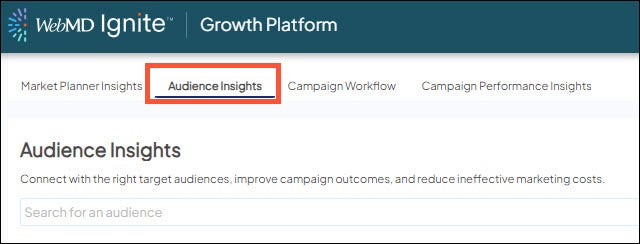
Want to ensure you’re using Audience Insights correctly? Use this checklist as a guide when building your campaign audience! The steps laid out below help ensure you're pulling in all of the right information to accurately set up the audience based on your campaign message.

Not sure where to start? Check out your Market Planner Insights tool to identify the right audience for the campaign.
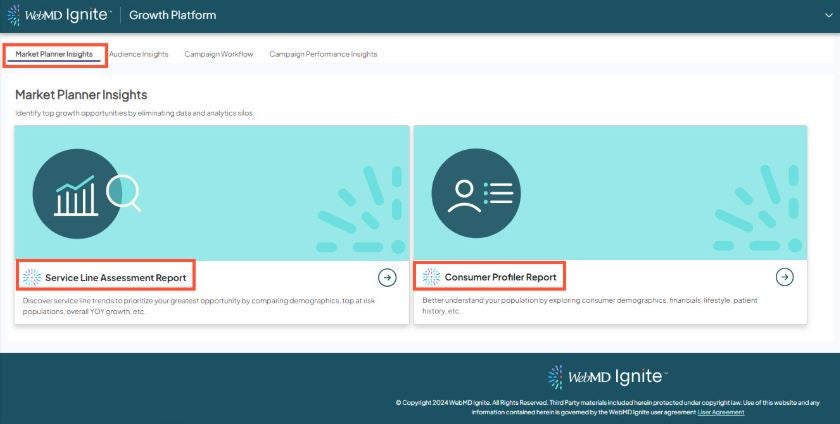
Define your campaign audience by answering the following questions:
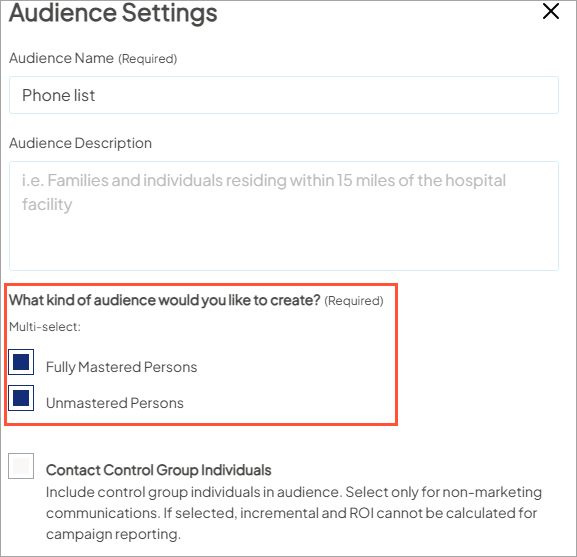
- Who should be included in the audience?
- Do I want to only message mastered persons?
- Is my message broad enough that I would also include unmastered persons?
- Do I want to include both kind of records?
- What other criteria should be applied to include the right targets in the audience?
- Check out the Audience Criteria Library to see the available criteria options in each category.
- Check out the Audience Criteria Library to see the available criteria options in each category.
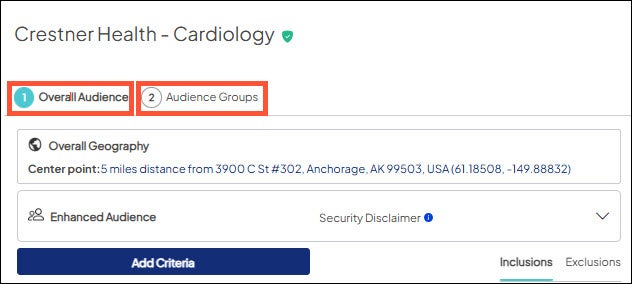
- How many messages or versions will my campaign have?
- More than one? → use Audience Groups to define and separate them out by version
- Only one message → use the Overall Audience
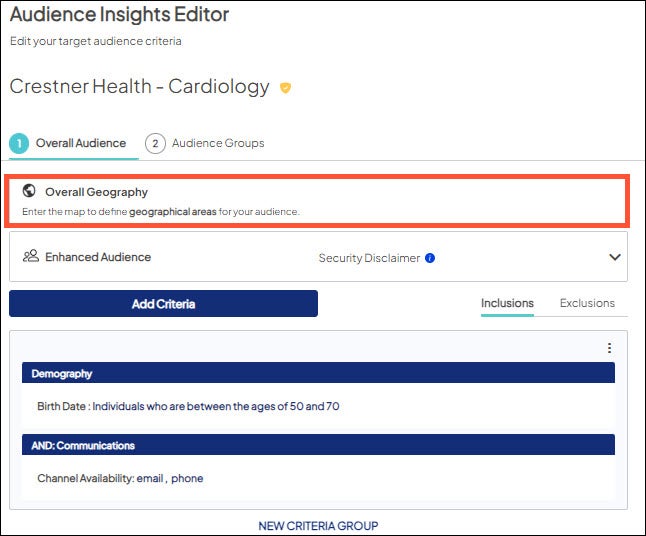
- Choose your Audience Geography
- Select postal codes, market areas, or map
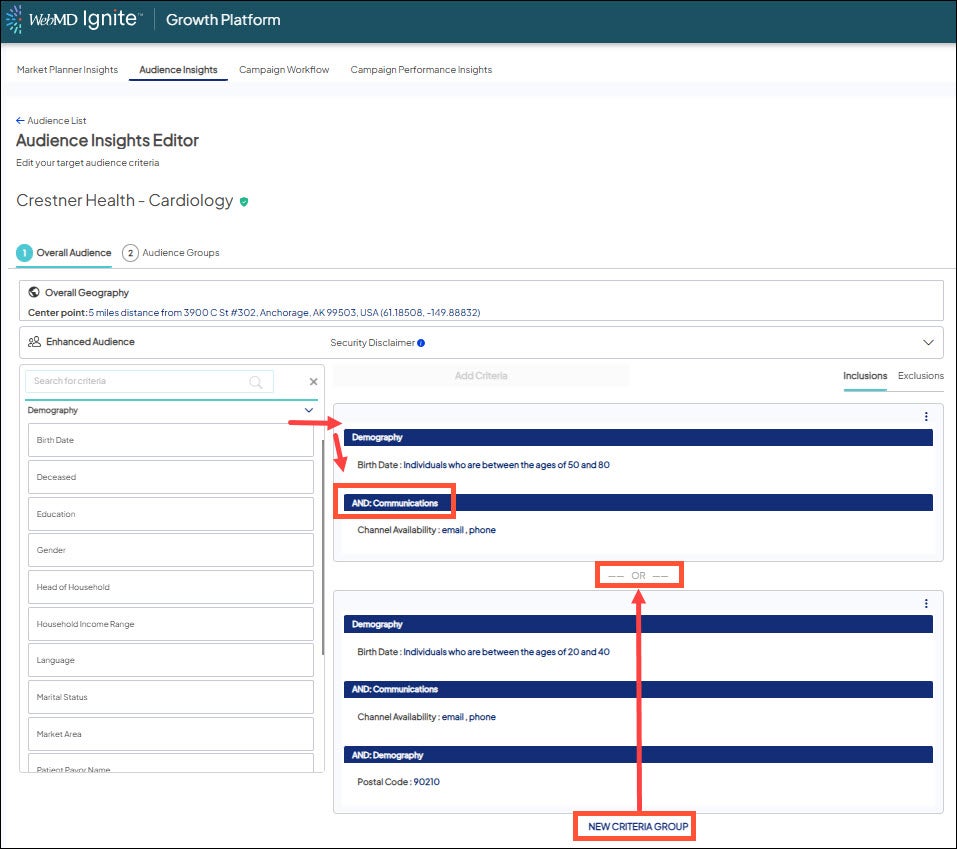
- Set up your inclusion and/or exclusion criteria using AND vs. OR logic (learn more)
- "And" happens when:
- Dragging + dropping more criteria from the left menu to a criteria group.
- Using additional criteria in any "encounter" criteria
- "OR" happen when:
- There is a visible comma in a criterion
- New criteria group function is used and a criterion is added to it
- "And" happens when:
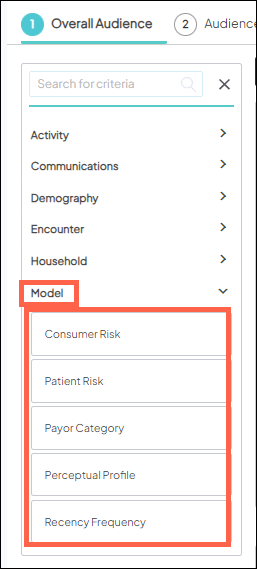
- Consider applying models to hone in on the most at risk and/or insured healthcare consumers
- Use Payor Category model to pull in the most likely to reimburse your health system.
- Apply Recency Frequency model based on how familiar you’d like your audience to be and to pair with risk models.
Not sure which is best for your goal? Check out this article from the Help Center to get suggestions.

