Campaign Workflow
In Campaign Workflow, you can edit/view existing campaigns or create new campaigns. Use a campaign to manage your marketing efforts, including the following tasks:
- Attaching a target audience
- Configuring tracking URLs
- Launching marketing efforts to direct mail/email channels
- Monitoring performance across marketing channels
Campaign Workflow at a glance:
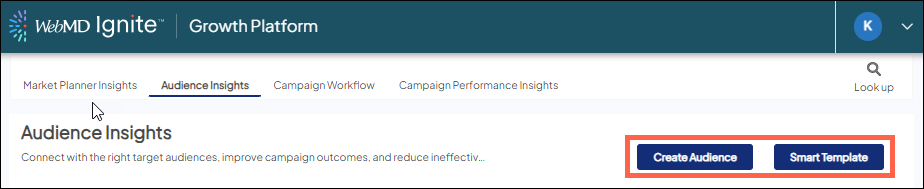
Attach/create a target audience
From within a campaign, you can attach an existing target audience OR create a new audience.
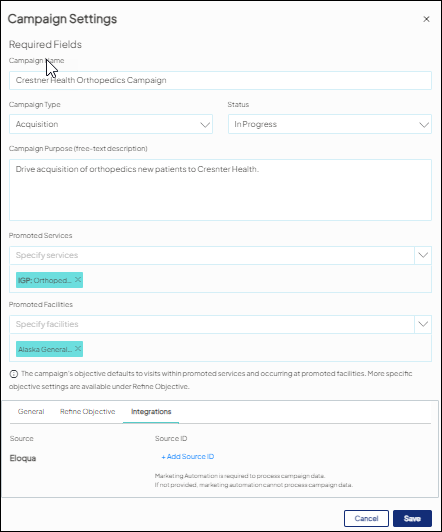
Configure campaigns
Configure campaign settings, trackable URLs, and campaign costs that drive how campaign performance is reflected in the Campaign Reporting tabs.
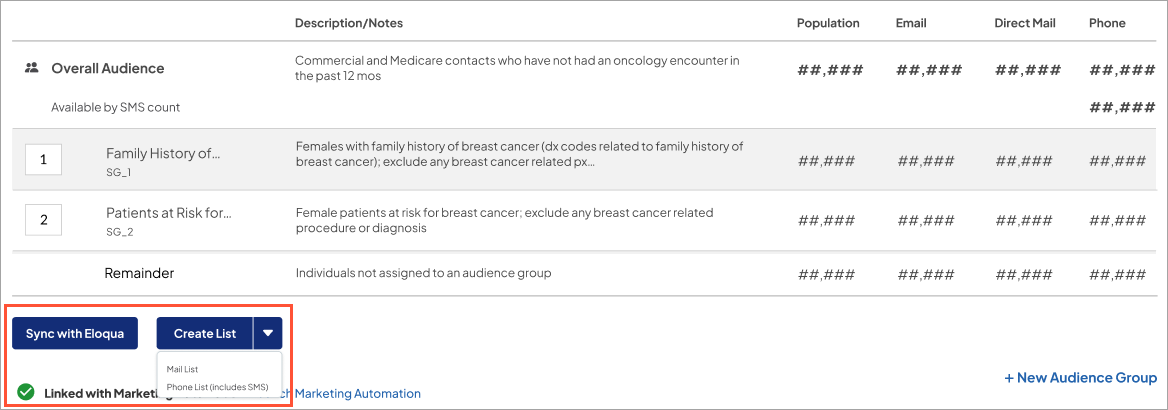
Launch marketing efforts
For a target audience attached to the campaign, create a direct mail or outbound/SMS list OR sync to marketing automation for email marketing.
Monitor campaign performance
Use the Campaign Reporting tab to monitor the campaign’s performance, offering insights into the campaign’s objective, and Mastered Persons audience members and their resulting activity (conversions, visits, etc.).
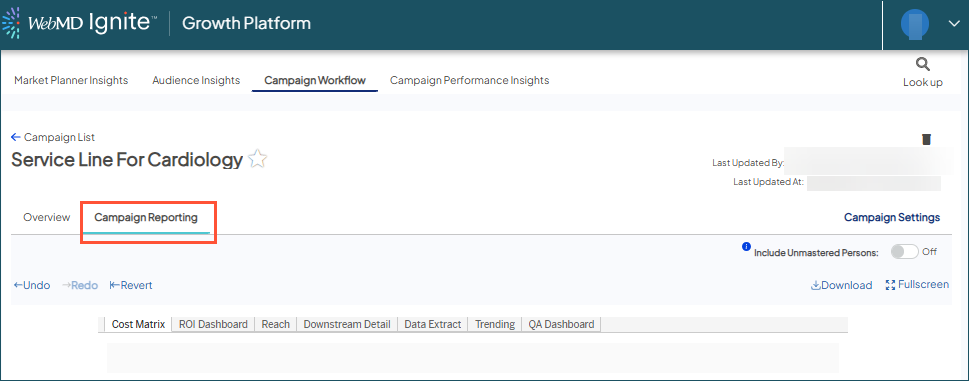
 Unmastered records used in target audiences for retargeting/nurturing are NOT part of reporting; however, any NEWLY CREATED Unmastered records resulting from activity associated with calls to action of a campaign WILL be part of reporting but only when the "Include Unmastered Persons" toggle is on).

