Release notes: September 3, 2025

Find custom activities faster
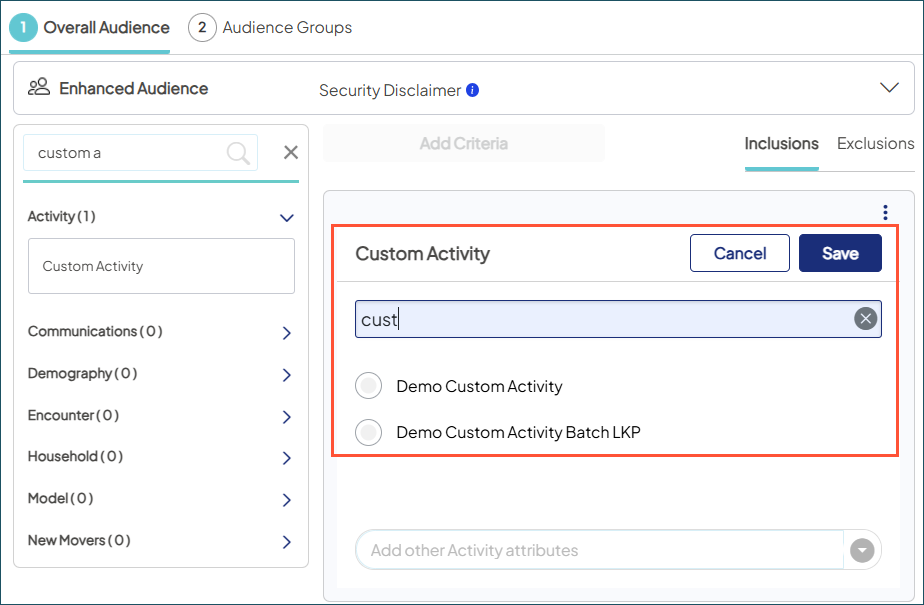
Sending custom activities (like event attendee lists)? Now it’s easier to find them when building your audience.
Our more flexible search matches any part of the activity name. No more having to remember the first word — just type what you know and go.

Market Planner Insights
In the Target Insights > Target by Risk Models dashlet, we fixed an issue where some model descriptions weren’t showing. Now, all appear for your selected service and sub-service lines, along with target counts for each (top 9% of individuals most likely to need those services in the next 12 months).
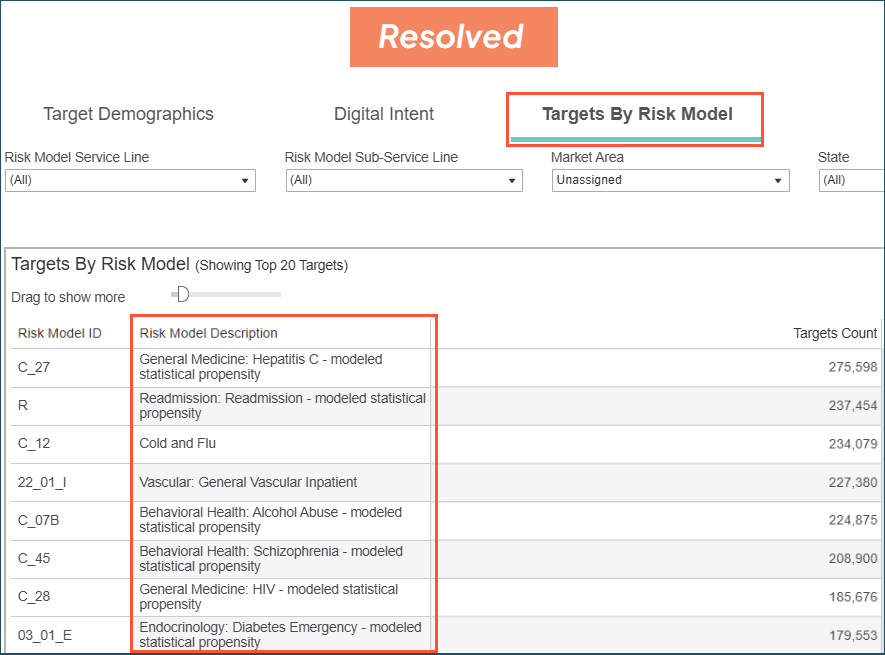

Tip: Descriptions reflect our enhanced risk model suite, designed to help you target with even greater precision and efficiency. For quick reference, download the full list of models or just what’s new from our recent release.
Campaign Workflow
In Campaign Settings, saving a campaign with both Ignite and Custom Service Lines caused them to merge. This has been resolved and they now remain separate as expected.

