How tracking works with web forms
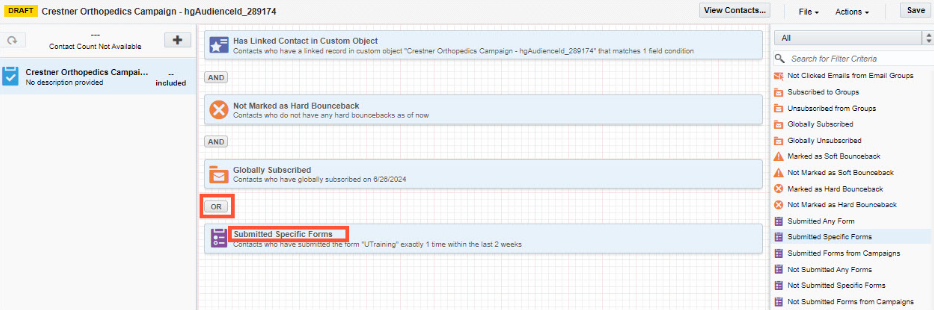
As part of the tactics and tracking ecosystem, web forms capture campaign response activity and send it back to Ignite Growth Platform for reporting and retargeting.
During implementation, WebMD Ignite provides templates you can use to add forms to your campaign landing pages with hidden fields.
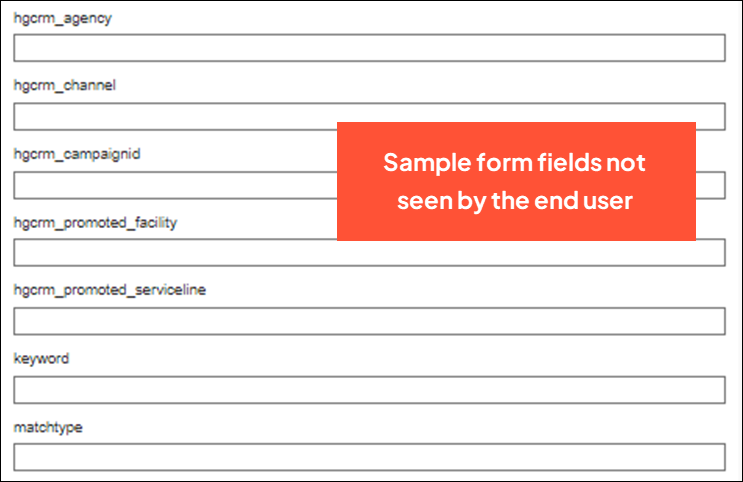
The fields rely on a capture script (typically installed during implementation) that identifies campaign data from trackable URLs you’ve generated and placed in your marketing communications to send users to the form.
When a person submits the form, both the demographic data they’ve entered and the campaign data from the hidden fields are passed to your marketing automation platform, then into Ignite Growth Platform for insights into performance. If marketing automation forms were not embedded directly on your web pages, your CMS must post that data to marketing automation, and then into IGP.
Form data available in reporting
It’s important to understand that what you’ll see (or won’t see) in your campaign reporting is based on the amount of data captured in the form; specifically, if:
- The person provided enough demographic data—first name, last name, street address 1, and ZIP—to be masterable in your platform.
- The campaign data from your trackable URLs came back from the hidden form fields. This is dependent on the capture script being installed and the person coming through the trackable URL versus organically arriving on the campaign landing page.
Here are the 4 most common scenarios:
Masterable demographics (campaign data present)
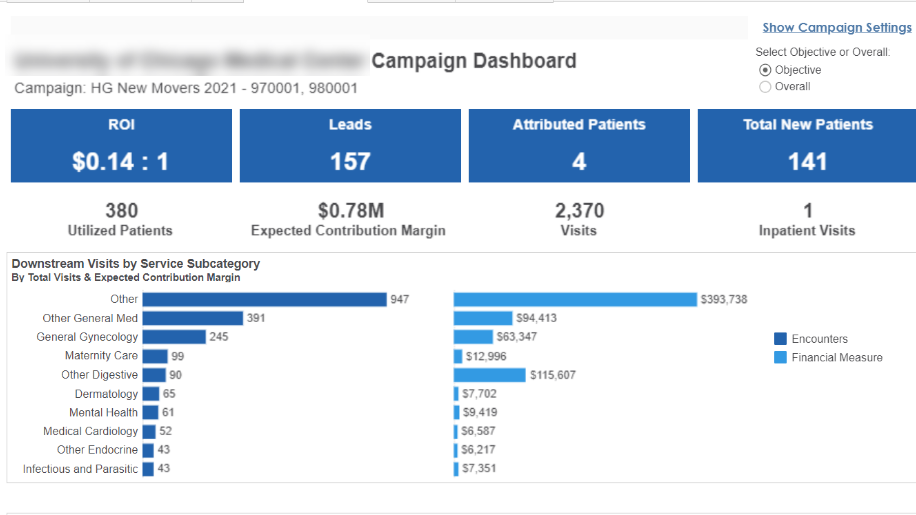
If the URL parameters come back in the form’s hidden fields, Ignite Growth Platform will attribute the form submission to that campaign and show the submission as a lead in reporting. If a mastered person was identified or created, the form will be associated with their person record, and their downstream visits will be attributed to the campaign.
Non-masterable demographics (campaign data present)
If the URL parameters populate the form’s hidden fields but the demographic data wasn’t enough for a mastered record, Ignite Growth Platform will attribute the form submission to that campaign as a lead in reporting, but won't be able to track that person's downstream encounters.
Masterable demographics only (no campaign data present)
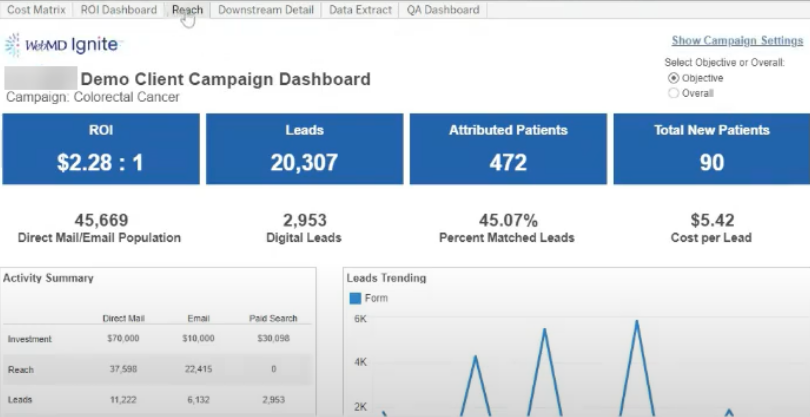
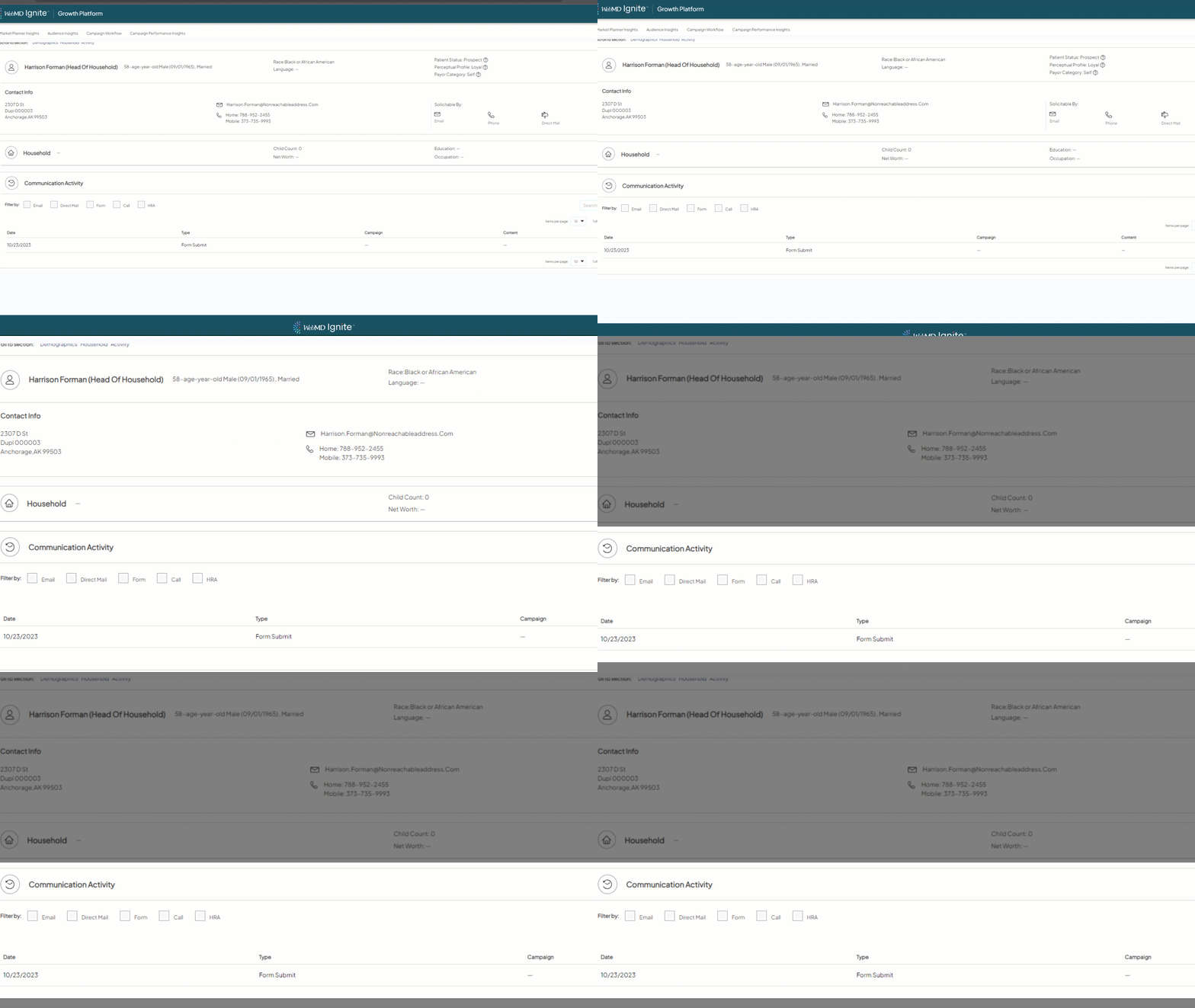
If enough demographic data was collected for a mastered record, but there were no URL parameters that populated the form’s hidden fields, the person will have the form submission attached to their record but the submission won’t show as a lead in reporting and their downstream visits won’t be tracked.
Non-masterable demographics only (no campaign data present)
If there wasn’t enough demographic data collected and the URL parameters are missing from a form submission, that submission will only be able to be used for actions run out of your marketing automation platform and won’t show in Ignite Growth Platform.