Modules
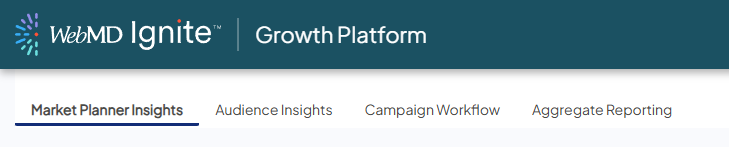
Ignite Growth Platform consists of four primary modules, or sections, each used for a specific step in your campaigns. The modules’ tabs, shown in the image below, are in the order we recommend using them when beginning to look at opportunities and build campaigns.
Market Planner Insights
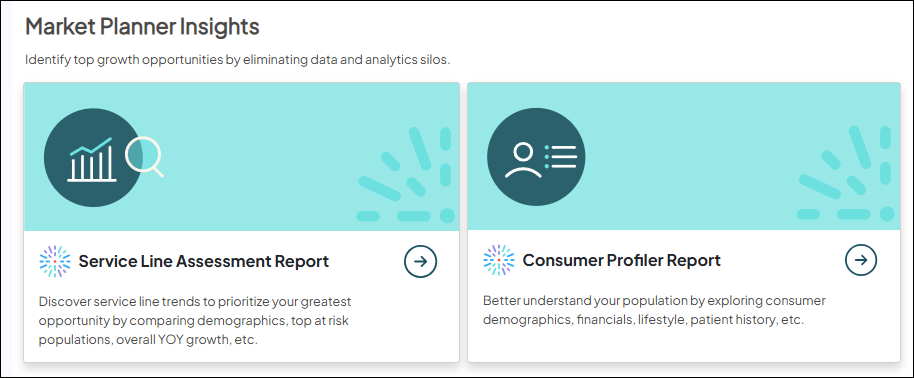
Market Planner Insights provides in-depth, on-demand reporting to determine where your health system is currently and identify opportunities to invest your marketing dollars.
Built-in analytics are used to identify the best outreach opportunities. You can click on the available tiles to launch Service Line Assessment and Consumer Profiler reports.
Audience Insights
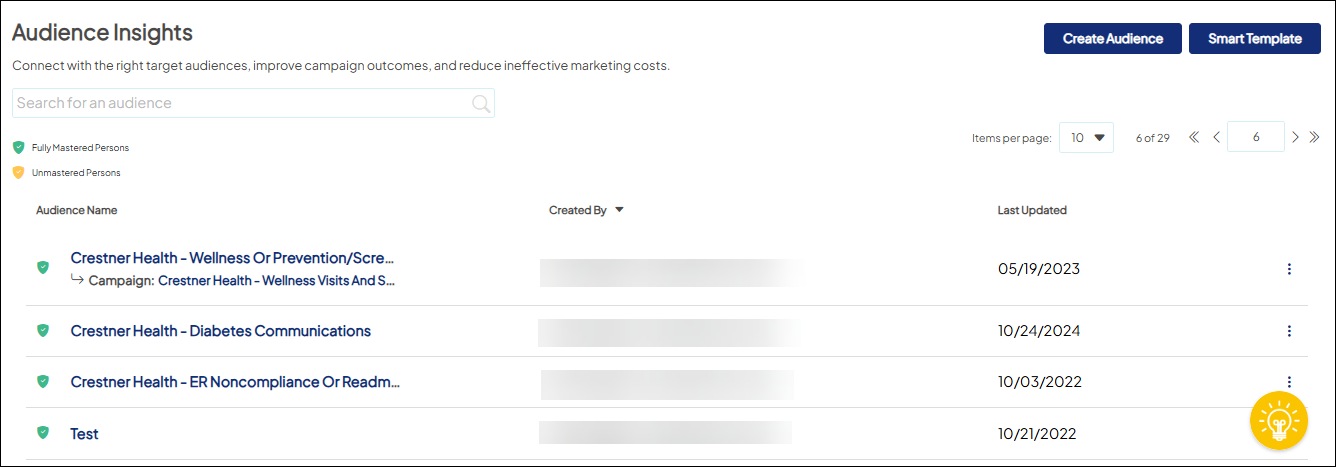
Audience Insights is the flexible, user-friendly tool used to build target audiences. It provides filters that can be applied to Mastered AND Unmastered Persons record based on the opportunities you identified in Market Planner Insights or to align with your campaign objectives.
Campaign Workflow
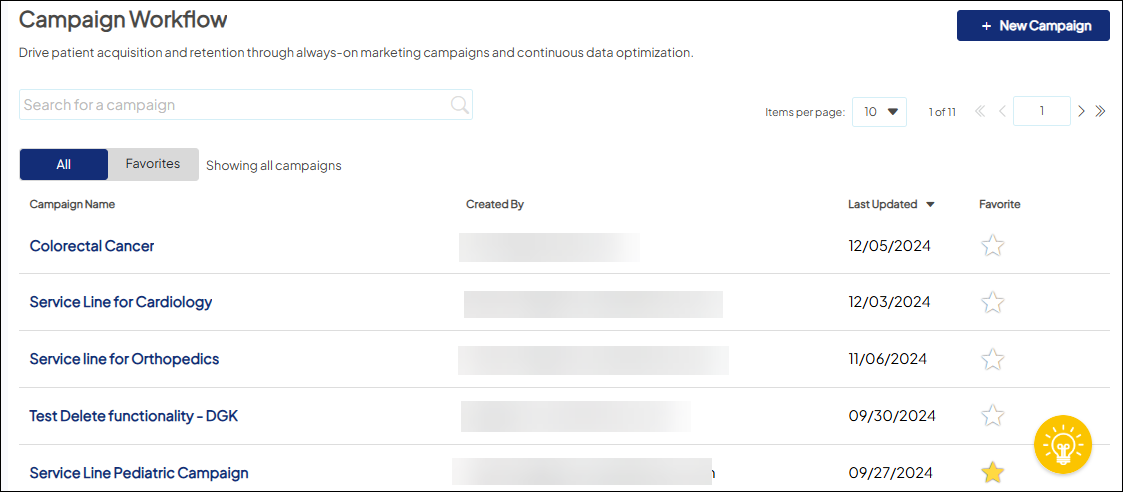
The Campaign Workflow module supports campaign execution, providing omni-channel communications management with a detailed account of the associated audience, tactics, and budget, and where reporting on the impact of each campaign can be viewed (Campaign Reporting tab).
Put simply, Campaign Workflow is where you create new campaigns and view existing ones using audiences defined in Audience Insights.
When you create a new campaign, it will automatically be added to Favorites for easy access. You can also favorite your own existing campaigns or those created by other users in your organization, by clicking the star in the far right column in the appropriate campaign row.
After the campaign is defined and created, you can set up tactics and tracking, connect with marketing automation, and monitor progress using campaign-specific reporting.
Aggregate Reporting
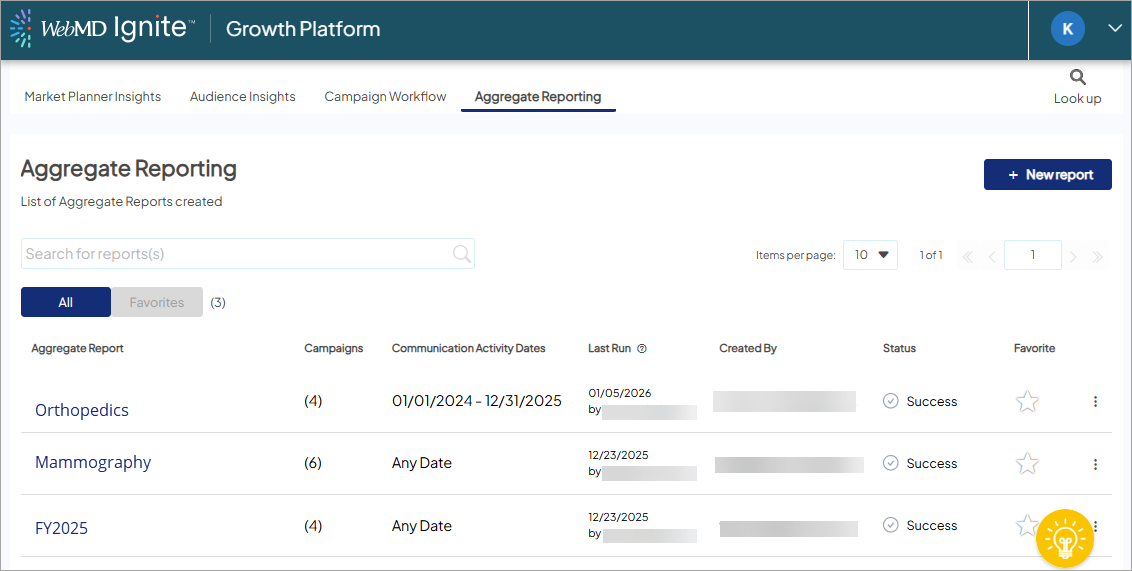
Aggregate reporting is a unified performance module that enables marketing users to group up to 20 individual campaigns into a single, executive-ready report.
By consolidating initiatives—such as those for a specific service line or an entire fiscal year—the module provides a high-level view of organizational goals while using specialized logic to de-duplicate patient counts and prevent revenue double-counting.
Users can analyze performance through dedicated ROI, Reach, Downstream, and Trending tabs, toggling between refined Objective views and Overall downstream activity to ensure accurate, conservative reporting of marketing impact.


